IDA

Installation
The easiest way to install the IDA plugin is to install the sighthouse-client
package and then run the following commands.
pip install sighthouse-client
sighthouse client install ida --ida-dir /path/to/ida_dir
It's also possible to install it from the repository:
git clone https://github.com/quarkslab/sighthouse
cd sighthouse/sighthouse-client
# Install script
IDA_DIR=/path/to/ida_dir make install_ida
Usage
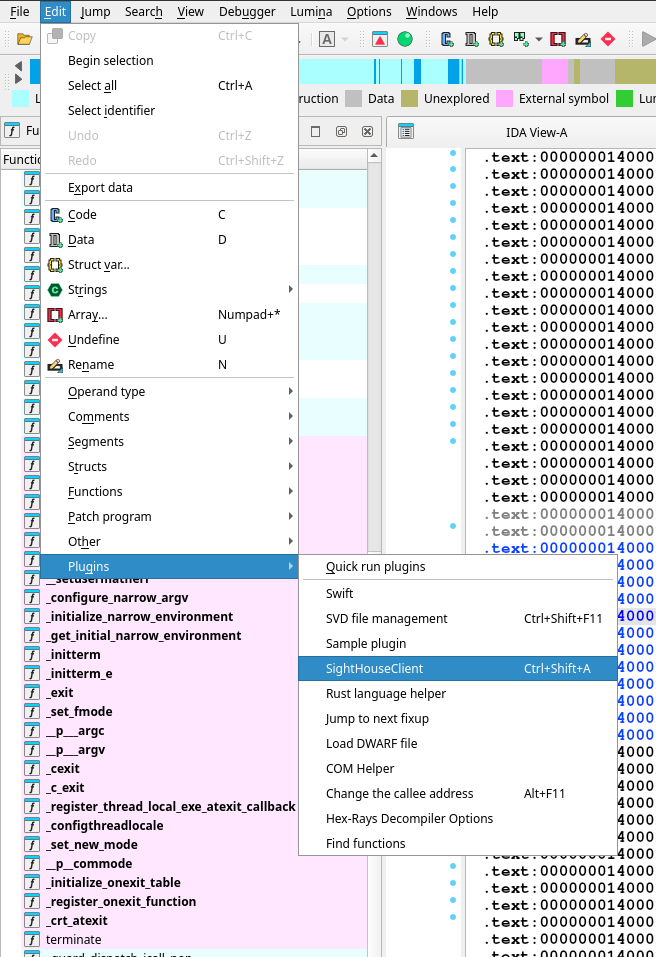
After restarting IDA, go under Edit -> Plugins and run the SightHouse Client Plugin.
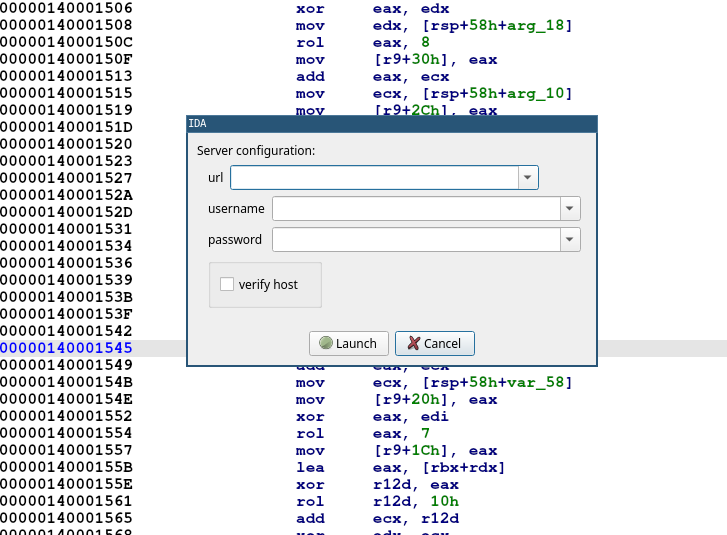
Upon running, you should get a prompt asking for credentials and server endpoint like this one:
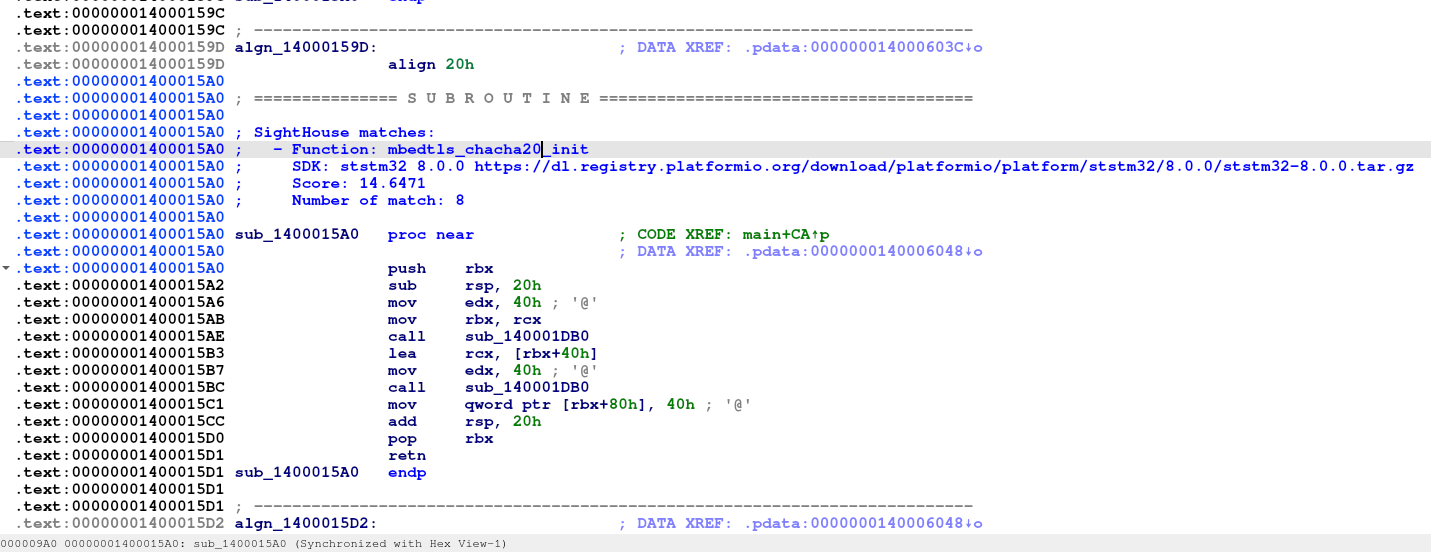
Once the plugin finished running, the matches are available as comment and should look something similar to this: