Ghidra

Installation
In order to run the SightHouse plugin, you will need at least Ghidra 11.3 as it now come with Python 3 support thought pyGhidra.
We advise you to launch for a first time ghidra before installing this plugin.
The easiest way to install the Ghidra plugin is to install the sighthouse-client
package and then run the following commands.
pip install sighthouse-client
sighthouse client install ghidra --ghidra-install-dir /path/to/ghidra
It's also possible to install it from the repository:
git clone https://github.com/quarkslab/sighthouse
cd sighthouse/sighthouse-client
# Deactivate previous virtual env
deactivate
# Install script
yes | GHIDRA_INSTALL_DIR=/path/to/ghidra make install_ghidra
The script will search for pyGhidra virtual environment, install SightHouse client dependencies and then ask you where you want to copy your script.
Usage
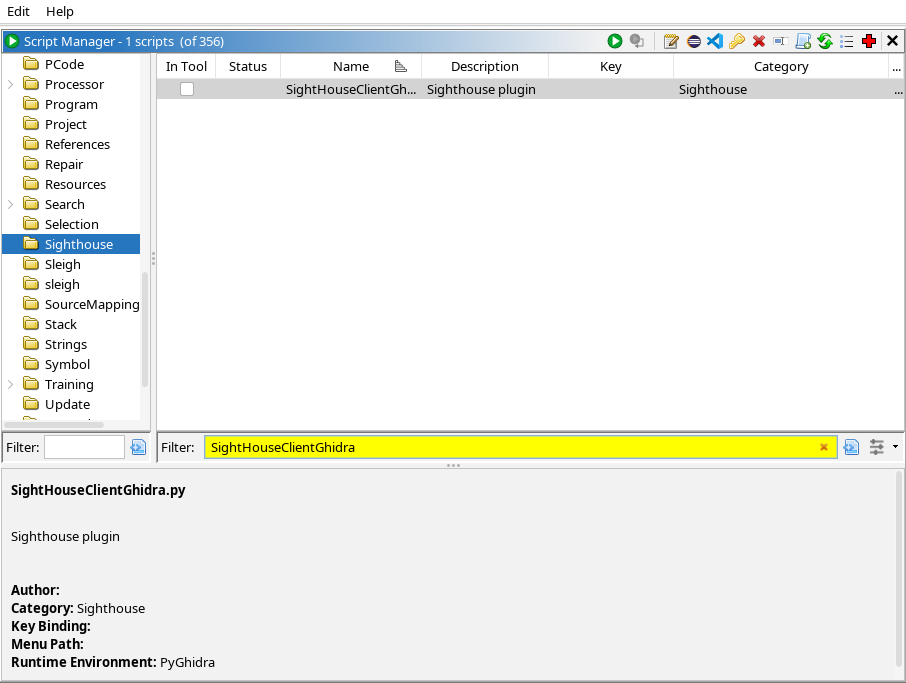
After restarting Ghidra, open a program and run the SightHouseClientGhidra.py script from
the Script Manager window.
When running the script, you get prompted with the following window:
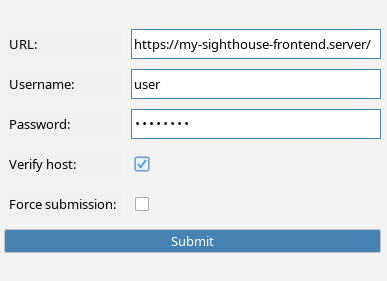
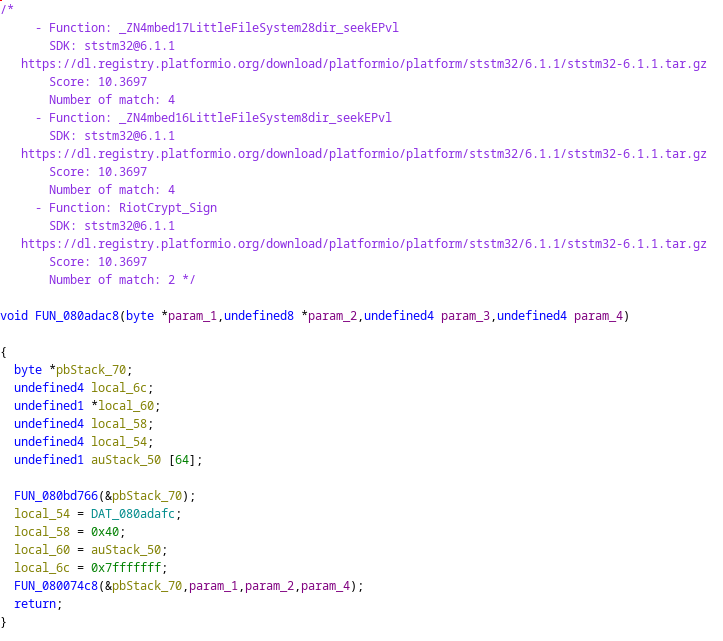
Enter all the required information and press Submit. Once the script is done, you should get matches like this: